Google Business Profile readiness
Google Business Profile checklist for local SEO readiness
A complete local profile is not only a ranking task. It is a structured information source for customers, maps, search engines, and AI answer systems. This checklist helps a store owner find weak profile signals before requesting a LocalGEO AI diagnostic.
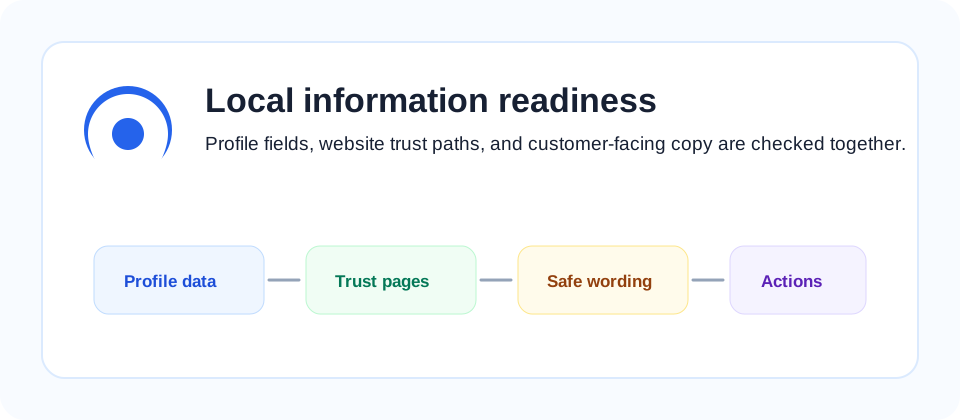
Store identity fields
Start with fields that customers use to decide whether the business is real and reachable: business name, primary category, address, service area, opening hours, phone number, website, and reservation or contact path. These values should match the website, directory listings, and customer-facing materials.
When the same store has different names or hours across maps, social profiles, and its own website, search systems have to choose which source to trust. A practical first pass is to make one reference sheet with the official store name, customer-facing category, exact contact method, opening rules, and the page that should be treated as the primary website. That sheet becomes the baseline for future profile updates.
Common cleanup points
Many local stores have correct information on Naver or Instagram but incomplete information on Google Business Profile. If opening hours, holiday notices, or categories are inconsistent, search engines can hesitate to show the business for local intent queries.
Also check small fields that are easy to overlook: accessibility notes, service options, parking, appointment requirements, menu links, and temporary closures. These details often answer the questions that customers ask before calling, and they give AI answer systems more precise facts to summarize.
Services, products, and proof
Service descriptions should explain what the customer can actually buy or request. Add service names, short descriptions, pricing hints when safe, photos, menus, facilities, parking information, and frequently asked questions. Avoid vague claims such as "best place" unless there is verifiable proof.
Good service copy is specific without becoming promotional. A cafe can mention hand-drip coffee, brunch hours, takeaway availability, and nearby landmark access. A clinic can describe appointment flow, consultation boundaries, and document preparation rules. A repair shop can state supported devices, same-day limits, warranty handling, and what customers should bring. These are useful facts, not ranking promises.
For internal linking, compare this article with the business description guide and the sample diagnostic report.
Trust and policy signals
A site that collects diagnostic requests should make operator information, contact path, privacy policy, and terms easy to find. These pages do not need to be long, but they should explain the service boundary and avoid ranking guarantees.
Trust pages should be reachable from the footer and should use stable URLs. If a site collects form submissions, the privacy page should explain what is collected and why. If the service provides diagnostics, the terms should state that the report is guidance, not a promise of rankings, traffic, or revenue. This clarity helps human reviewers and protects the business from unrealistic expectations.
Monthly profile review routine
After the first cleanup, set a simple monthly review. Check whether business hours changed, whether new services were added, whether photos still match the store, and whether recent customer questions reveal missing information. A profile that was accurate three months ago can become confusing after a menu change, relocation, seasonal schedule, or new booking rule.
Keep a small change log with the update date, changed field, and source of truth. This is useful when multiple people manage the profile, and it prevents accidental edits that create mismatched business information across the website, Google Business Profile, social profiles, and local directory pages.
For higher-risk changes, review the website page at the same time. If the profile adds a new service but the website has no matching service page, customers may click through and leave without taking action. If the website explains a service that the profile does not mention, Google and AI answer systems may underuse that information for local-intent queries.
How to turn the checklist into action
Work through the checklist in three passes instead of trying to fix everything at once. The first pass is factual: confirm the name, category, address, phone, hours, and website URL. The second pass is descriptive: confirm that services, products, photos, and customer questions explain what the business actually offers. The third pass is trust-focused: confirm that customers can find contact, privacy, terms, and correction paths from both desktop and mobile views.
For each issue, write a short action note with the field, current value, preferred value, and evidence. Evidence can be a menu, storefront sign, booking page, product page, or official notice. This prevents profile edits from becoming opinion-based and makes it easier to explain why a field was changed later.
Do not optimize only for keywords. A complete profile should answer a real customer question: where is the business, when is it open, what can I request, how do I contact it, what should I bring, and what should I not expect. If the answer to any of these questions is missing, the profile may be technically present but still weak for local search, AI summaries, and conversion.
When LocalGEO AI reviews a profile, the most useful fixes are usually small and specific. Examples include adding appointment limits, replacing generic service names with customer-facing categories, matching holiday hours across the website and profile, and linking the profile to the most relevant landing page instead of sending every visitor to a generic home page.
After changes are made, wait for the platform to process updates and then re-check the public view. Screenshots are helpful because profile interfaces can show different information to owners and visitors. The final question is simple: can a new customer understand the business without calling first? If yes, the profile is closer to being useful for both humans and search systems.
Use the Google Business Profile Help Center to compare platform rules with this practical checklist.
For broader crawl and local site context, also review Google Search Central's SEO starter guide and Google's business information guidance.